


API
TECMap allows you to use either the Google Maps API , the API CloudMade , the API Leaflet and l'API OpenMapQuest to display your cards, you make the switch by setting the property Mapapi to apiGoogle or apiCloudMade or apiLeaflet or apiOpenMapQuest
The SSL property lets you use a secure connection for the moment only the Google API provides this functionality.
ApiVersion property of type string allows you to specify the version of the API that you wish to use, it only works for Google, if you do not tell is the latest version to be used.
// Delphi
map component ECMap
// find the distance in km by road
between Tarbes and Lourdes via Aureilhan
dKm := map.DistanceRouteByAdress('Tarbes','Aureilhan|Lourdes');
Adresses := TStringList.create;
try
Adresses.add('Tarbes');
Adresses.add('Aureilhan');
Adresses.add('Séméac');
Adresses.add('Lourdes');
// create route Tarbes/Lourdes via
Aureilhan and Séméac
map.AddRouteByAdress(Adresses);
finally
Adresses.free;
end;
This can be useful in case of bug in some versions.
The API change triggers events OnBeforeChangeMapApi and OnAfterChangeMapApi.
When the card is ready OnLoad event is fired, you can also tune into OnBeforeLoad if you want to change the connection url to the API and add code to connect javascript libraries
You can recharge a card and its contents by calling the Reload, useful to force a release of memory, and OnAfterReload OnBeforeReload events are available.
You do not have to worry about backing up the card, it will be fully recharged, excluding the results of a search places
Change properties Mapapi, apiVersion and SSL triggers a reload.
10StreetView with memory leaks, until google fixes them, reload is call automatically every 1000 views.
TECMap will hold closer to the apis, please read their documentation.
In addition to the license that I invite you to read , the main differences are the lack of SSL, view satellite, 3D view of Panoramio , the DistanceMatrix and StreetView in the API CloudMade.
The differences do not cause error in the component TECMap, using an unsupported property has simply no effect, it is possible that future developments following apis deficiencies are corrected.
You can change the API at any time without loss of data, excluding the results of a search for places.
11Card Type
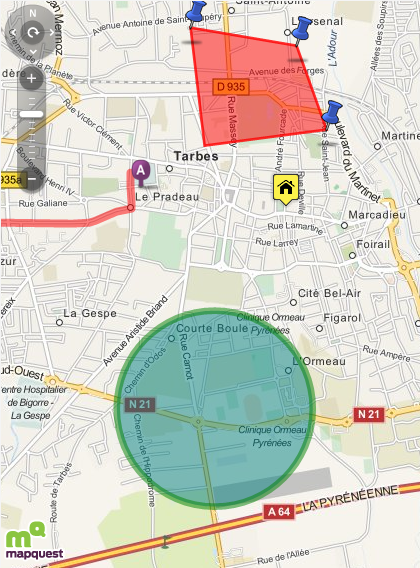
OpenMapQuest supports classic map, view satellite and hybrid views.
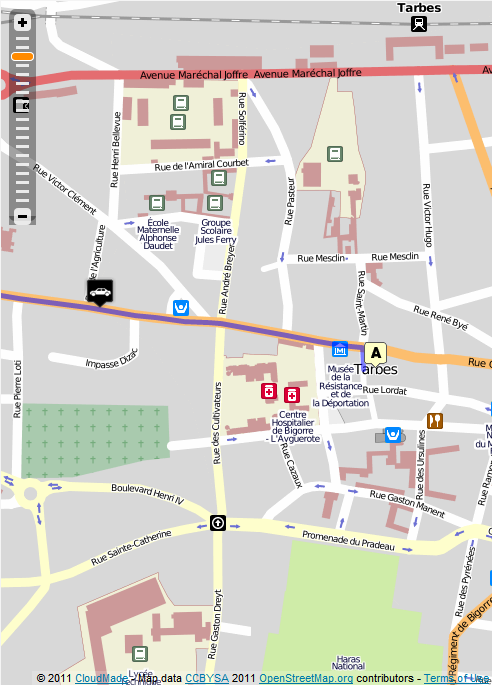
CloudMade and Leaflet support classic map.
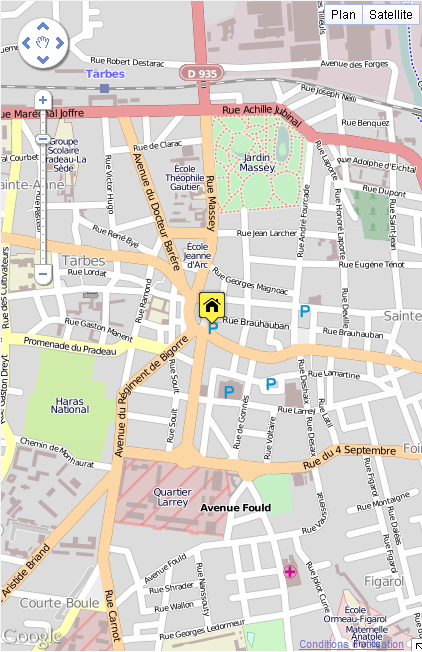
You have also maps OpenMapStreet, Mapnik, Osmarender,
CycleMap and MapQuest
(classic, satellite and hybrid ) 
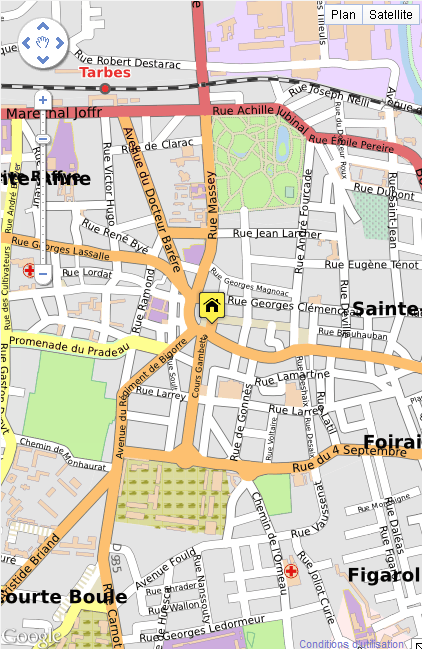
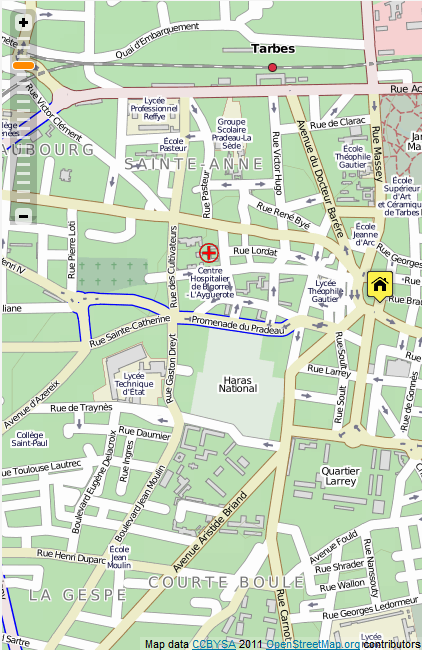
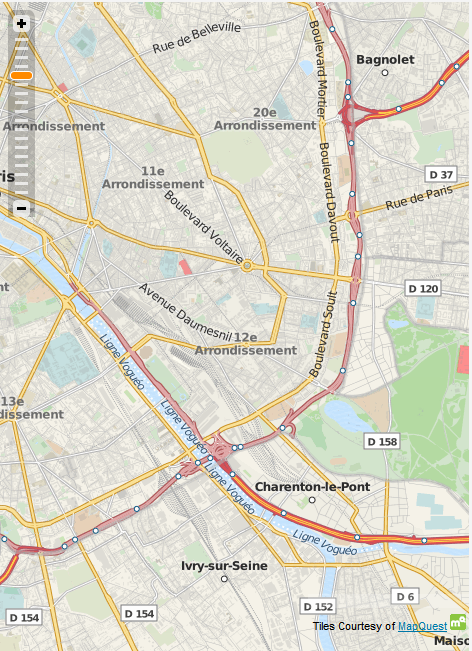
With the Google API you have the classical map, the satellite view with or without captions, a view highlighted, OpenMapStreet Mapnik, OpenMapStreet A Render, CycleMap and MapQuest
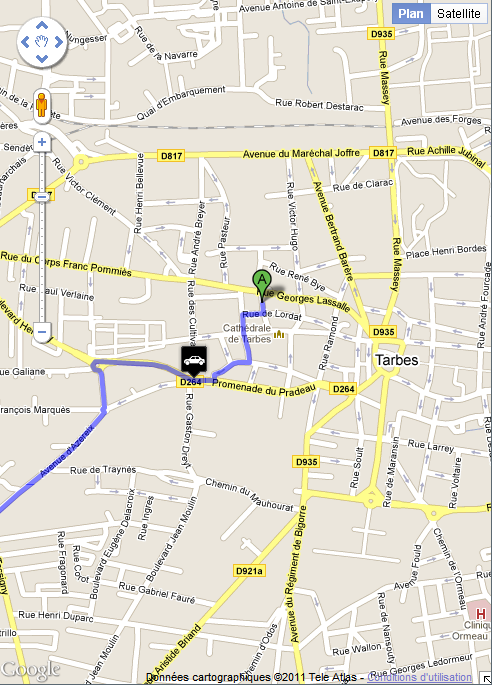
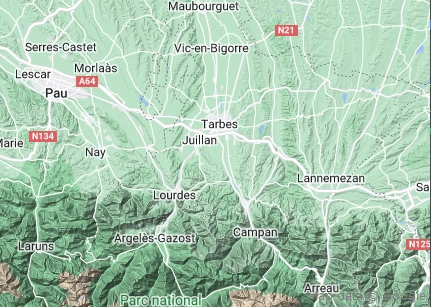
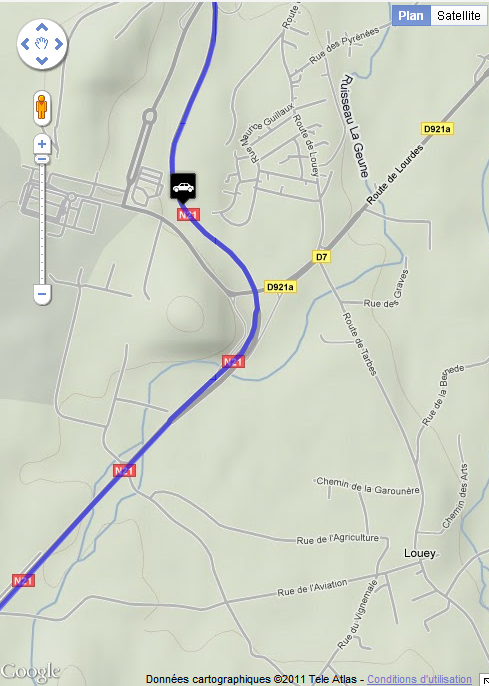
You change your view through the property MapTypeID with value as possible mtROADMAP, mtSATELLITE,mtHYBRID, mtTERRAIN, mtMAPNIK, mtOSMARENDER, mtMapQuest and mtCYCLEMAP
For satellite images (mtSATELLITE, mtHYBRID) Google Map begins to develop at 45 ° views, you can activate it through the property Tilt
This is not implemented everywhere, see the documentation for more info google
When changing the type of card it is by code or directly on the map in detail, the event OnChangeMapTypeId (Sender: TObject) is triggered.
With the Google API you have also seen StreetView and EarthView
12Styles
The Styles property allows you to reset the display of the map.
Visit the site of google maps for more information on the syntax of the styles.
Google puts at your disposal a wizard to create your styles
You simply assign to map.Styles the JSON string.
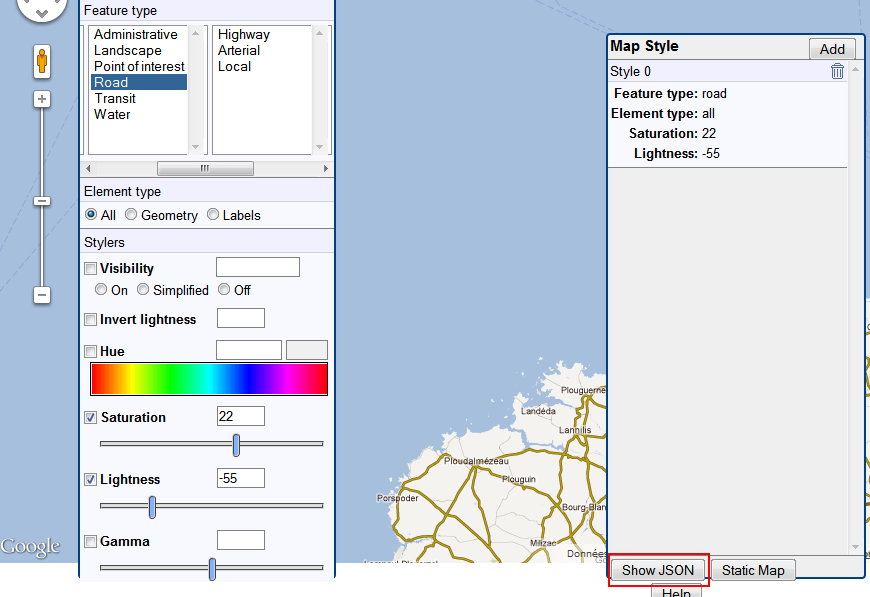
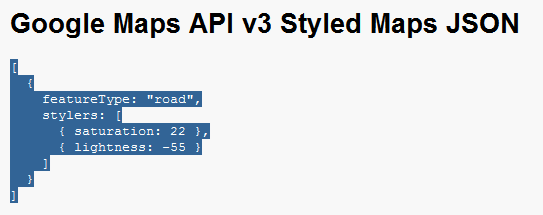
Remove Points of interest Google Maps
You can use styles to remove all or some poi on your card
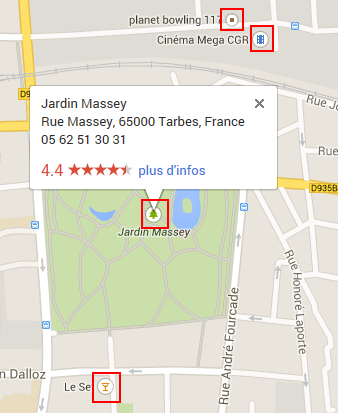
This example shows you how to delete all poi except the poi.park
map.styles := '[{ featureType: "poi",elementType: "all",
stylers: [{visibility: "off" } ]}'+
',{featureType:
"poi.park",elementType: "all",stylers:[{visibility: "on"
}, ] } ]';
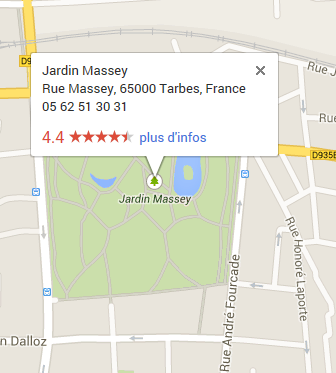
Voir la documentation de Google pour toutes les valeurs featureType
Under CloudeMade the Styles property contains an identifier, you can go visit the library of available styles or create your
2, 3, 8, 997, 998, 999 allow to use styles, example of use map.Styles:='999'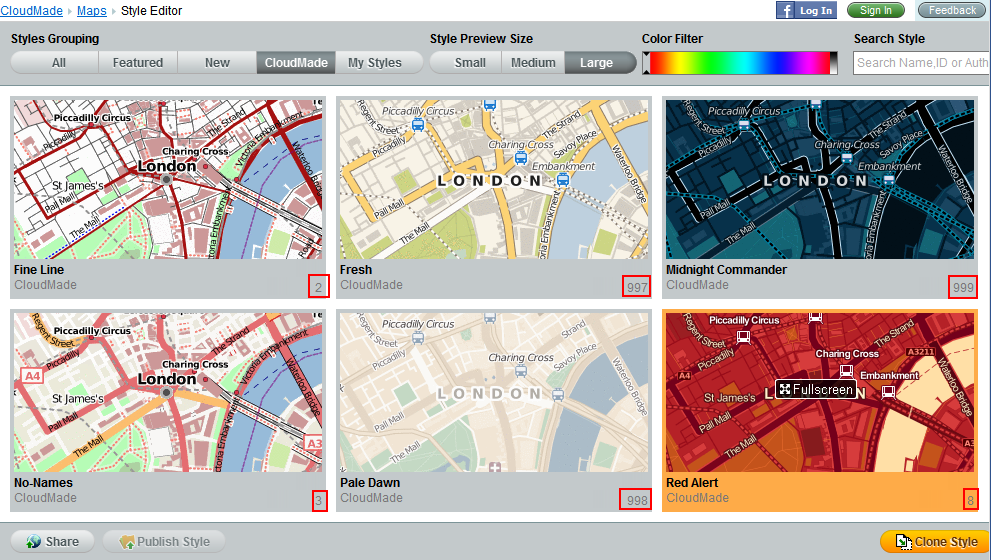
OpenMapQuest does not support styles
13